01
The familiar face
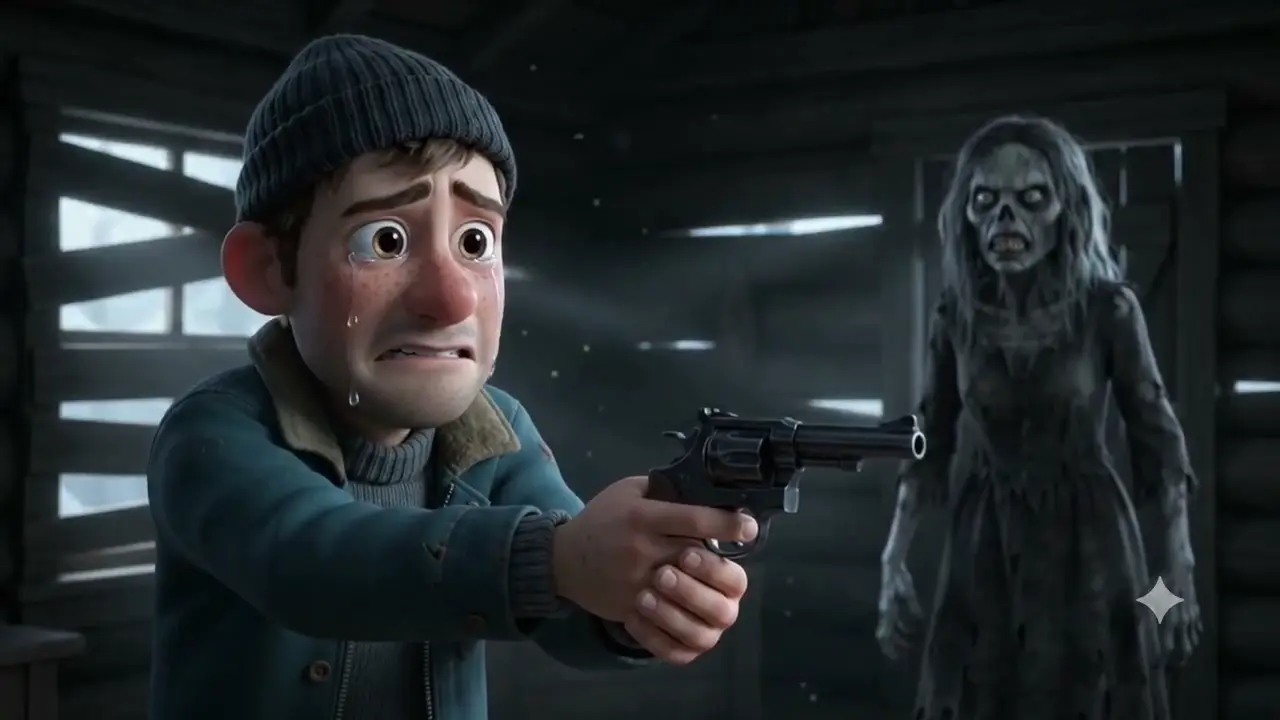
An abandoned cabin. A moment of recognition. An embrace that brings the world back.
Create a fictional zombie AI video from two photos. Choose a love story with two adults or a reunion with your pet, then shape the scene around recognition, a gentle embrace or a shared memory. Customize the format and sound, review the credit quote and keep your finished video in a private library.
Explore all 19 Zombie AI Video templates: 12 people stories and 7 pet stories. Choose snowy doorways, quiet rooms, golden fields or familiar places to load the scene instructions. People stories use two adult portraits; pet stories use one adult portrait and one pet photo. Add a Director’s Note if you want to suggest lighting, clothing or a simple gesture.
An abandoned cabin. A moment of recognition. An embrace that brings the world back.
A softly animated winter reunion, framed by falling snow and a warm cabin doorway.
Two bowls on a familiar table. A small gesture becomes a memory worth keeping.
A slow walk through a golden field, open arms, and the last light of the day.
A quiet room opens into a sunlit memory, with the same two faces held in frame.
An embrace brings back a meadow, a quiet afternoon and a sunset by the sea.
A familiar tennis ball leads from a silent reunion to an autumn walk together.
Recognition in a dark room becomes a peaceful walk through golden woodland.
A small companion crosses the dust, bringing back a meadow and falling leaves.
A companion returns to a familiar embrace, then to a field full of warm light.
A cabin reunion cuts to the same embrace beneath a pink mountain sunset.
A tiny reunion becomes a quiet moment in a meadow of flowers.
A loyal companion returns, followed by a warm memory on a snowy hillside.
A cold cabin gives way to a tender seaside memory of the same two people.
Rain and city lights fade into a shared sunset on the beach.
A quiet reunion under stained glass opens into a bright garden memory.
A familiar face at the doorway leads into a golden meadow embrace.
Cool shadows turn into warm backlight as two people find each other again.
One quiet embrace carries a story from an empty room into a field of flowers.
Select a people or pet template for your Zombie AI Video to load its scene instructions automatically. For example, The familiar face guides a loved-one reunion, while Back in your arms brings a pet reunion into a warm memory.
People stories need two separate adult portraits. Pet stories need one adult portrait and one pet photo. The first subject stays human; the subject in the second photo becomes the fictional zombie. Use photos you have permission to edit.
For your Zombie AI Video, choose 9:16 vertical or 16:9 landscape, 480p or 720p, and 4, 6, 10 or 15 seconds. Cinematic sound is optional. Under More settings, you can add a Director’s Note of up to 500 characters.
Sign in, review the exact credit quote and confirm generation. New accounts start with 0 generation credits. Use an existing subscription or a one-time credit pack; buying credits alone does not start a video task.
Follow the task in My videos, then preview and download the finished clip. Generated videos stay in your private library for 90 days. Save a local copy before the video expires.
Check the supported settings and limits before creating your Zombie AI Video. The generator shows the exact credit quote for your selection.
| Setting | Available options and limits |
|---|---|
| Story templates | 19 templates: 12 people stories and 7 pet reunions |
| Required photos | Two adult portraits, or one adult portrait and one pet photo. The first subject stays human; the second becomes the fictional zombie. |
| Photo upload | JPG / PNG / WEBP; up to 10 MB per photo |
| Aspect ratio | 9:16 vertical / 16:9 landscape |
| Resolution | 480p / 720p |
| Duration | 4 / 6 / 10 / 15 seconds |
| Audio | Optional cinematic sound; you can turn it on or off before generation |
| Director's Note | Optional scene instructions, up to 500 characters |
| Generation credits | Paid credits required. New accounts start with 0 generation credits. Review the exact quote before confirming generation. |
| Private library and retention | Input photos: up to 7 days after the task ends. Generated videos: 90 days; download a copy before expiry. |
Build a fictional Zombie AI Video around familiar faces, a clear reunion moment and a memory worth keeping. These templates guide the scene; generated details can vary.
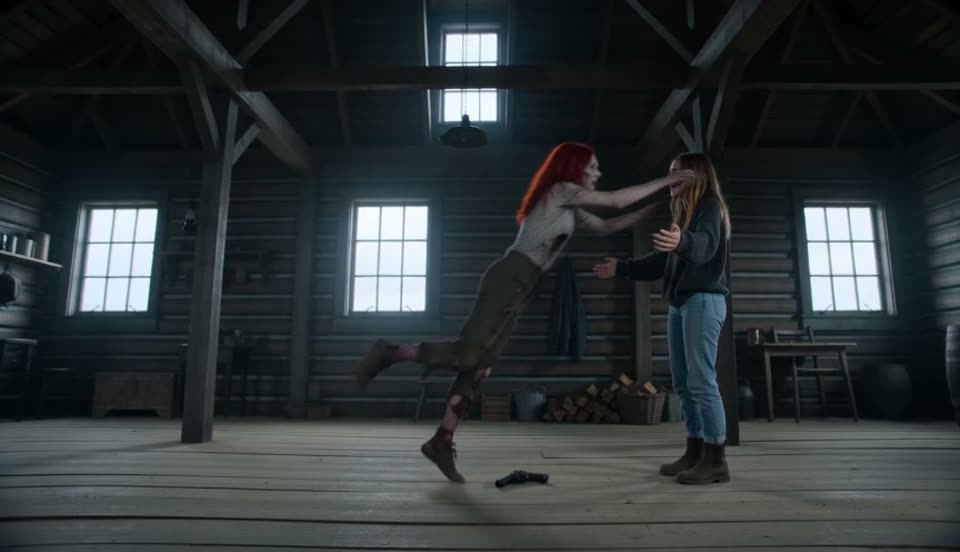
Choose a people template for your Zombie AI Video and upload separate portraits of two adults. The first stays human; the second becomes the fictional zombie. The scene can move from recognition to a gentle embrace and shared memories. Try The familiar face for a quiet cabin reunion, or A light in the snow for a softly animated winter scene. Use authorized photos with clear faces and review the result before sharing.
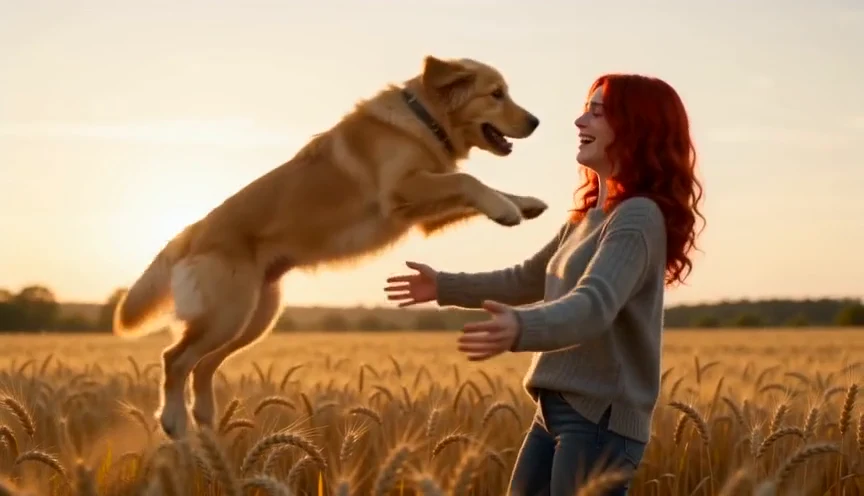
For a pet Zombie AI Video, choose Pets, upload an adult portrait in the first slot and your pet’s photo in the second. Pet instructions use animal-appropriate actions, such as a quiet greeting, a familiar toy or a supported embrace. For a dog story with a happy-memory ending, try Back in your arms: a reunion leads into a golden field. Our walk in the woods uses recognition followed by a peaceful woodland memory.
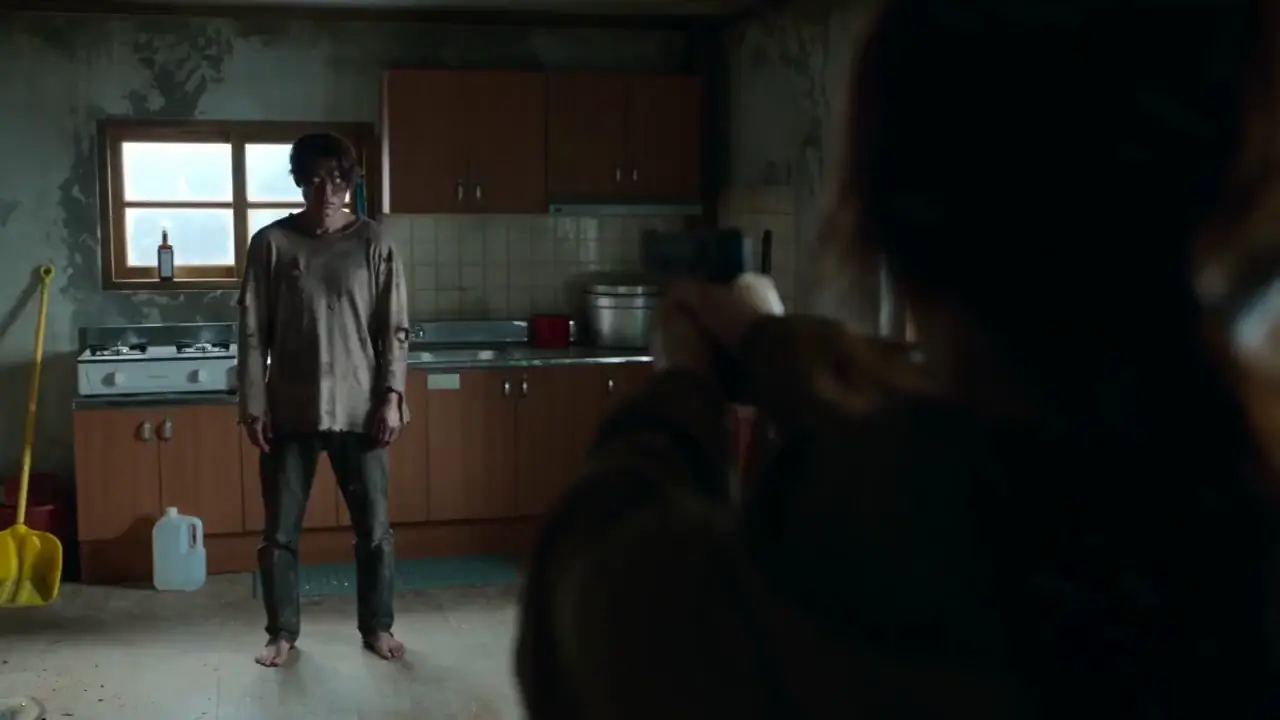
Build your Zombie AI Video around recognition: use the second photo for the fictional zombie character and choose a template that connects the transformation with the reunion. Keep short clips focused on a single greeting; choose a longer clip for a reunion followed by a memory. The kitchen, then the field moves from a quiet room into a sunlit scene, while The days we shared connects an embrace with a meadow and sunset. A Director’s Note can suggest lighting, clothing or a simple action.
Choose 9:16 for a vertical Zombie AI Video or 16:9 for a wider scene. Set 480p or 720p, select 4–15 seconds and optionally request original ambient music and scene sounds. For example, a 4-second clip can focus on recognition, while a 15-second template has more room for a transition. Review the credit quote before generating, then preview and download in My videos. Finished videos are retained for 90 days.
A zombie AI video is a fictional short made from photos, where a transformed character still recognizes a loved one or pet. This generator uses story templates for recognition, a gentle reunion and shared memories. The scenes focus on emotion rather than graphic violence, and the result should be reviewed before sharing.
Yes. Choose a people template and upload two separate, authorized adult portraits. The first photo supplies the human character; the second supplies the fictional zombie. For a partner who recognizes you and gives you a gentle hug, try The familiar face. Templates guide recognition, reunion and shared memories; the exact movements can vary.
Yes. Choose a pet template, add an adult portrait in the first slot and your pet’s photo in the second. Pet stories use animal-appropriate greetings, toys or supported embraces. For a dog reunion followed by a happy memory, try Back in your arms or Our walk in the woods. The template guides the ending, but generated details can vary.
Yes. Choose one of 19 ready-made templates: 12 people stories or 7 pet reunions. Selecting a story loads its scene instructions automatically, so you can start with your photos. You can also add a Director’s Note of up to 500 characters to suggest lighting, clothing, a camera movement or a simple action.
You can select 9:16 vertical or 16:9 landscape framing, 480p or 720p resolution, and a duration of 4, 6, 10 or 15 seconds. Optional cinematic sound requests original ambient music and scene sounds.
A shorter clip works best for one clear moment, such as recognition or a greeting. The templates default to 15 seconds, giving a story with several moments or a transition more time to unfold. You can choose 4, 6, 10 or 15 seconds before generating.
Registration is free, but video generation requires paid credits. New accounts start with 0 generation credits. You can use an existing subscription or purchase a one-time credit pack.
The credit requirement depends on your selected duration, resolution and audio settings. Review the exact quote before confirming generation. Purchasing credits does not automatically start a video task.
Yes. AI Zombie Trend Video and AI Hotel Lobby Video use the same account and credit balance. You can use your available subscription or credit-pack credits across both effects.
The preview shows the intended story and style. Generated faces, movements, transitions and scene details can vary. The tool does not guarantee an exact shot-by-shot reproduction of a reference video.
Your completed video appears in My videos, where you can preview and download it. Generated videos are retained for 90 days, so download any videos you want to keep before they expire.
Your uploads and generated videos stay in private storage. Input photos are retained for up to 7 days after the task finishes; completed videos are retained for 90 days. Download your finished videos before they expire.
Choose your next scene. Use the same account and credits across both effects.
Choose a story, add your photos and create a Zombie AI Video built around a fictional reunion.
Make your reunionPricing